You searched for an incident response plan template because you need something practical, not another glossy PDF full of theory. Maybe an auditor flagged the gap, a client asked for proof you have one, or you’ve just watched another business get hit by ransomware and realised you’d be improvising if it happened to you. Whatever brought you here, you want a document you can actually use.
This article gives you exactly that. We’ll walk through what a proper incident response plan example contains, section by section, so you can either adapt a ready-made structure or build your own from scratch. That includes the roles, escalation steps, and the cyber incident response communication template most businesses forget until they’re mid-crisis and struggling to update customers or regulators.
We’ve built and tested these plans with organisations across sectors, including insurers and loss adjusters who call us in through our CyberSOS service when things go wrong. That experience shapes everything here: what belongs in your plan, what’s missing from most free templates, and how to turn a static document into something your team can follow under pressure.
Why your organisation needs an incident response plan template
Every cyber attack has a clock running from the moment it starts. Ransomware typically encrypts files within hours, and attackers who’ve breached your email system can pivot to fraud or data theft in minutes. Without a documented plan, your team spends those critical early hours arguing about who’s in charge, what to tell customers, and whether to call the police or the insurer first. A cyber incident response plan template removes that guesswork before it costs you money, data, or reputation.
The businesses that recover fastest from a cyber incident aren’t the ones with the best technology, they’re the ones who already knew exactly what to do next.
The real cost of reacting without a plan
Organisations without a tested plan lose far more time and money when something goes wrong. We’ve seen businesses spend three or four extra days offline simply because nobody had pre-agreed who could authorise paying a ransom, isolating a server, or engaging a forensics firm. That delay compounds: every hour of downtime means lost sales, missed deadlines, and staff sitting idle. A plan turns those decisions into a checklist rather than a debate, which matters enormously when your systems and your judgement are both under strain.
Compliance and insurance requirements increasingly demand one
Regulators and insurers no longer treat incident response as optional. If you’re working towards ISO 27001, a documented and tested incident response process is a mandatory control, not a nice-to-have. Cyber insurance underwriters ask for proof of an incident response plan before they’ll quote, and many policies reduce payouts if you can’t demonstrate you followed a defined process during a claim. Clients and supply chain partners are asking the same question in due diligence questionnaires, so having a credible, referenced plan is becoming a commercial requirement as much as a security one.
What a template gives you that a blank page doesn’t
Starting from a proven structure saves you from missing something obvious under pressure. A good example incident response plan already accounts for the roles, decisions, and notifications that real incidents demand, so you’re adapting rather than inventing. That matters because a plan you write with a clear head is far more reliable than decisions made mid-breach. Templates typically save you time in three ways:
- Structure: you don’t start from a blank page, so nothing obvious gets missed.
- Consistency: everyone works from the same escalation and communication process.
- Speed: you spend your energy adapting details, not designing a framework from scratch.
Without that foundation, most businesses either skip the plan entirely or produce something too vague to follow when it actually matters.
How to build your incident response plan template step by step
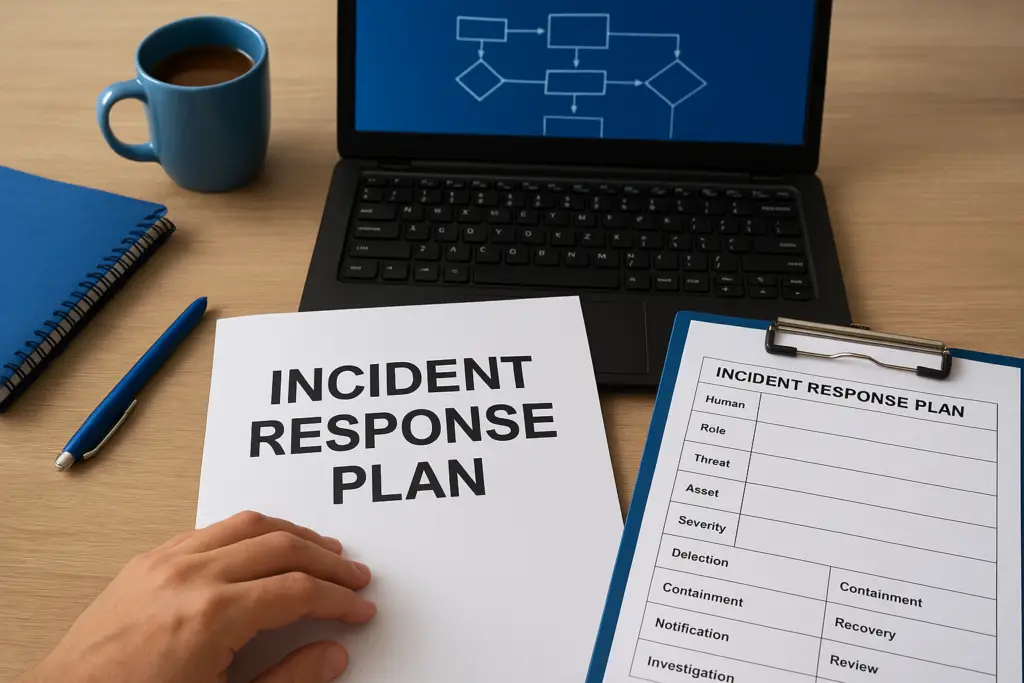
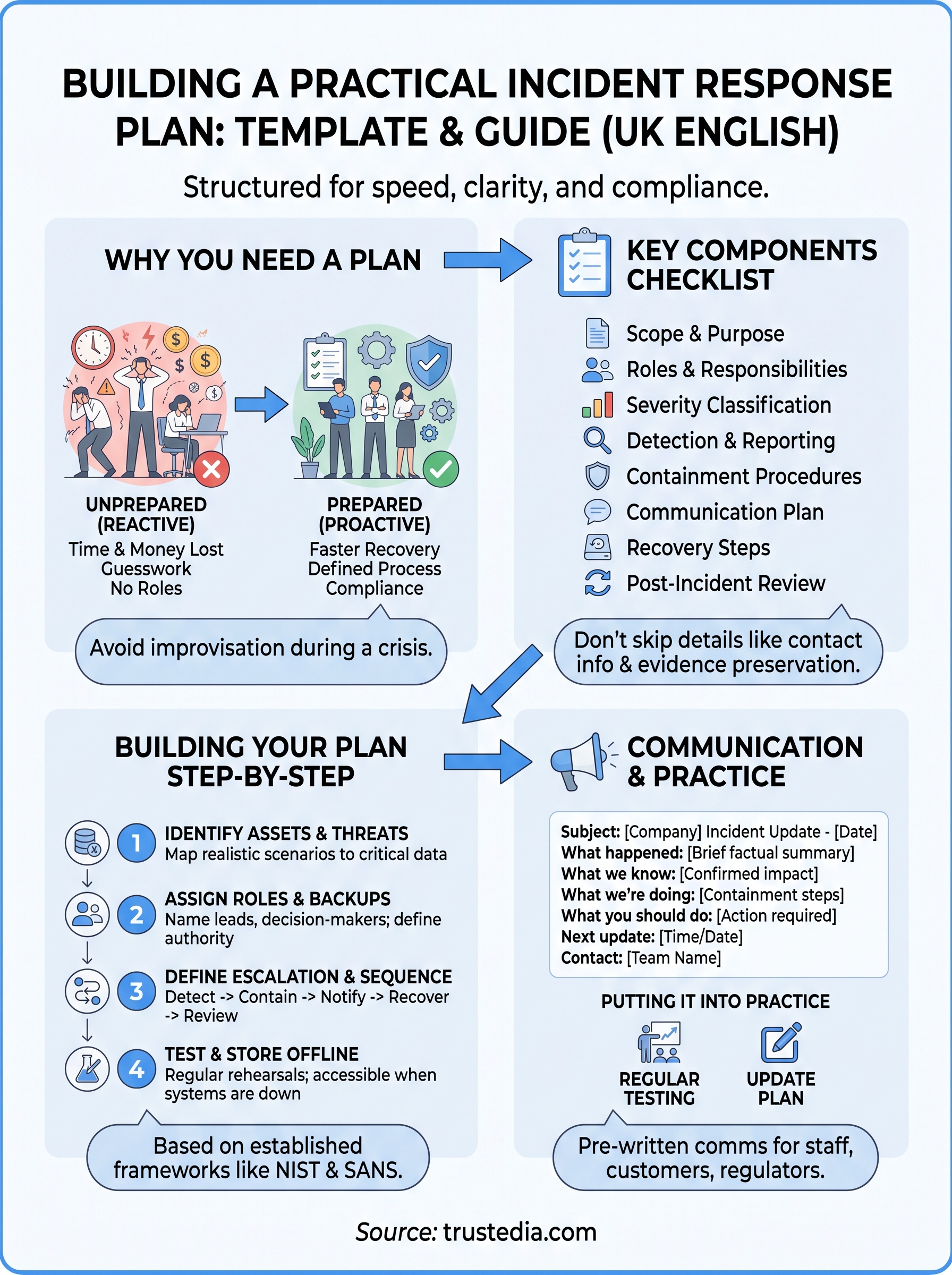
Building your own plan doesn’t require reinventing the wheel, but it does require working through the same logical sequence every time. A solid computer incident response plan template follows a fixed order: identify what you’re protecting, decide who does what, agree how you’ll detect and contain a problem, and write down how you’ll communicate throughout. Skip a step and you’ll find the gap the hard way, usually mid-incident.
Start with your assets and threat scenarios
Before you write a single procedure, list what actually needs protecting: customer data, financial systems, production servers, email. Then map realistic scenarios against that list, ransomware, a compromised admin account, a lost laptop, so your plan responds to threats you’ll genuinely face rather than generic ones copied from a blog post.
Assign roles before you need them
Decide who leads the response, who talks to customers, who liaises with insurers or regulators, and who has the authority to take systems offline. Write names and backups against each role, not just job titles.
A plan with no named decision-maker isn’t a plan, it’s a hope.
Define your escalation triggers next: what severity of event moves this from an IT ticket to a full incident. Then build the sequence itself:
- Detect and log the incident with timestamps.
- Contain affected systems without destroying evidence.
- Notify your response team and any external partners.
- Investigate and recover using pre-agreed backup and restore procedures.
- Review what happened and update the plan.
Test it, then file it somewhere useful
A plan nobody has rehearsed is theoretical. Rehearse it at least annually against an incident response checklist, walking your team through a realistic scenario end to end, then store the plan somewhere accessible offline too, since your usual file server might be exactly what’s encrypted. Services like our CyberSOS incident response support exist for the moments testing alone can’t fully prepare you for.
Key components every incident response plan should include
Good plans share a common skeleton, whether you keep yours as a formal document or a shared cyber incident response plan template doc everyone can edit. Missing any of these pieces leaves a gap someone will find at the worst possible moment.
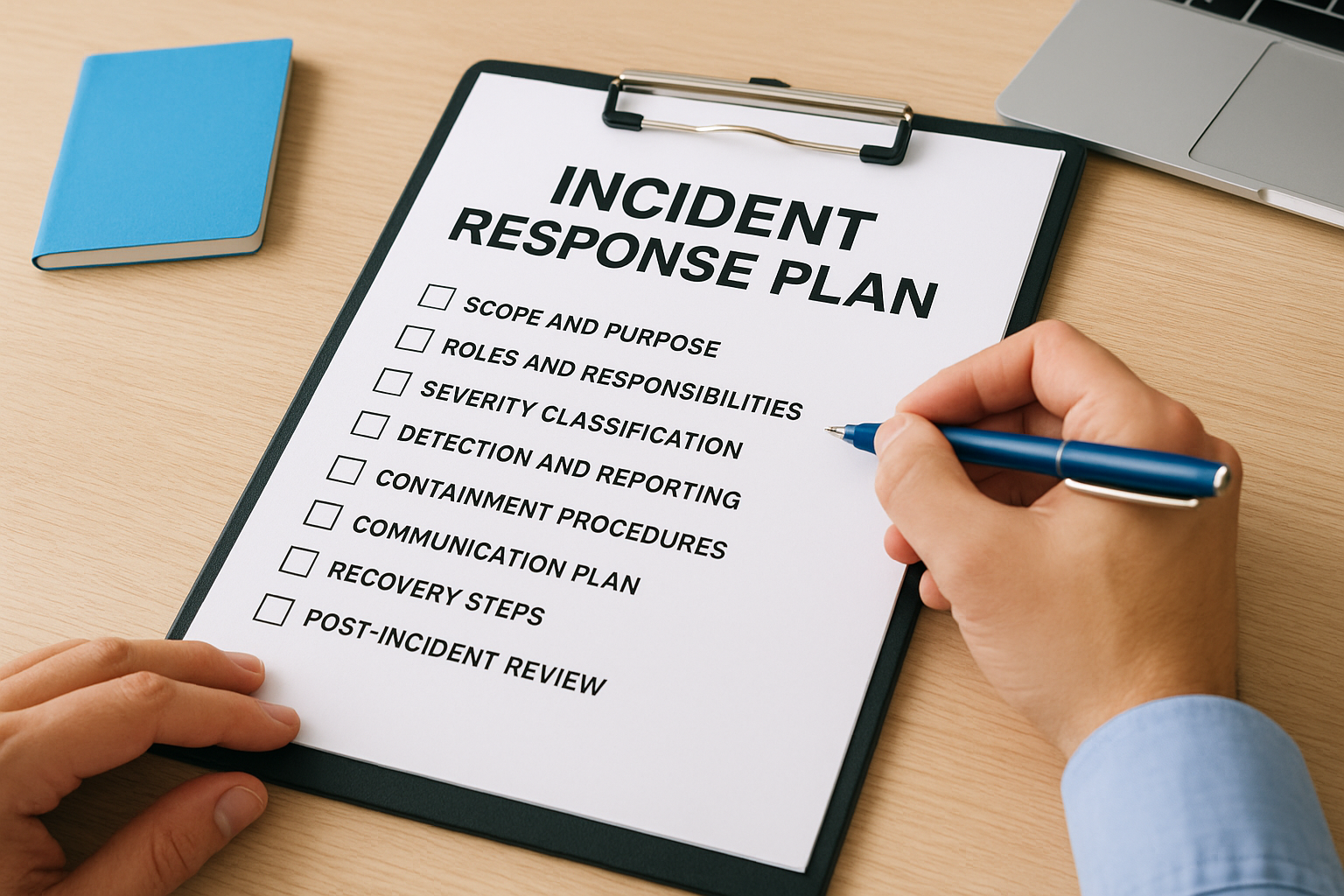
A plan with a gap in it isn’t safer than no plan at all, because it gives your team false confidence.
The core sections at a glance
Use this as a checklist against whatever template you’re building or buying.
| Component | What it covers |
|---|---|
| Scope and purpose | Which systems, data, and business units the plan protects |
| Roles and responsibilities | Named leads, deputies, and decision-making authority |
| Severity classification | Criteria for low, medium, and high-severity incidents |
| Detection and reporting | How staff flag suspected incidents and to whom |
| Containment procedures | Steps to isolate affected systems without destroying evidence |
| Communication plan | Internal updates, customer notices, regulator and insurer contacts |
| Recovery steps | Backup restoration and system validation before going live again |
| Post-incident review | Lessons learned and plan updates |
Don’t skip the details most templates gloss over
Beyond the checklist, three things separate a workable plan from a decorative one. First, contact details need to be current and stored outside your main network, phone numbers for your insurer, forensics partner, and legal advisor are useless if they’re locked inside an encrypted server. Second, your plan should specify evidence preservation steps, since rushing to wipe and rebuild a machine can destroy the digital forensic proof your insurer or a regulator later demands. Third, tie the plan explicitly to your compliance obligations; if you’re pursuing ISO 27001, our professional services team can confirm your plan meets the standard’s incident management requirements before an auditor tests it for you.
Incident response plan examples and formats to learn from
Looking at established frameworks before you finalise your own document saves you from reinventing something regulators and insurers already recognise. Two references dominate the field: the NIST Special Publication 800-61 incident handling guide, and the SANS incident response process. Both break response into similar lifecycle phases (preparation, detection, containment, eradication, recovery, lessons learned), which is why most credible incident response plan examples you’ll find follow that same backbone even when the terminology differs slightly.
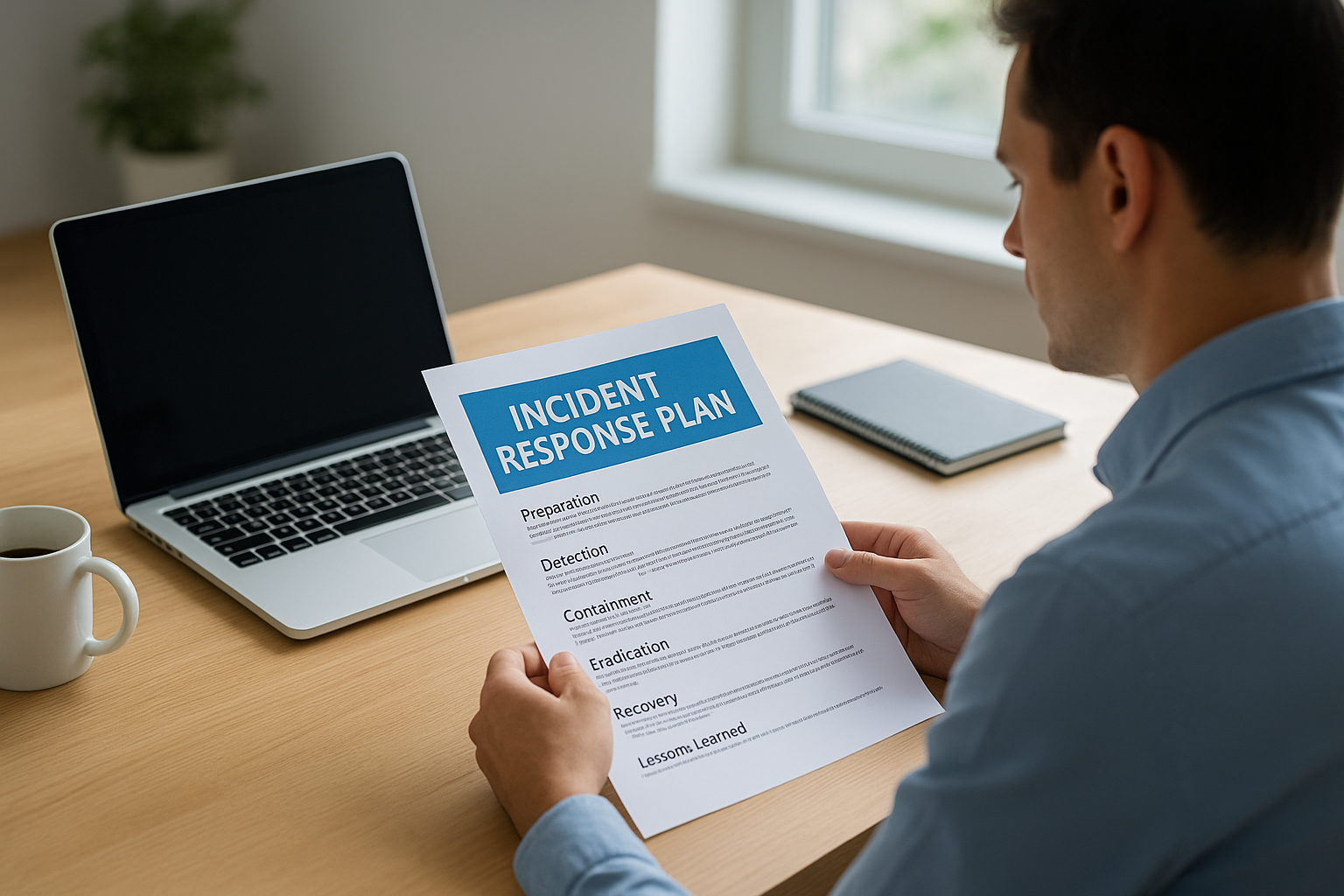
Formats vary more than content does. Some businesses want a single-page incident response plan example pinned near every workstation, listing who to call and what to do first. Others need a full cyber incident response plan template doc running to twenty or thirty pages, covering every system, contact, and escalation path across multiple departments. Neither is wrong; the right choice depends on your size and complexity.
The best format is the one your team will actually open during a crisis, not the one that looks most thorough sitting in a drawer.
Comparing common formats
| Format | Best suited for | Typical length |
|---|---|---|
| One-page quick reference | Small teams, first responders | Half to one page |
| Departmental playbook | Mid-sized organisations with multiple systems | 5 to 15 pages |
| Full enterprise plan | Regulated businesses, ISO 27001 scope | 20+ pages |
| Sector-specific plan | Healthcare, finance, insurance | Varies, includes regulatory annexes |
Sector matters too. A healthcare provider’s plan needs a data breach response plan with patient notification steps baked in; an insurer’s plan needs claims continuity procedures. Whichever example incident response plan you start from, treat it as a skeleton to adapt, not a finished document to file away unread.
Building a cyber incident response communication plan
Communication fails first in most incidents, not the technology. Staff panic, customers hear rumours before you’ve confirmed anything, and regulators expect updates within tight statutory windows. A cyber incident response communication template solves this by giving you pre-written structures for each audience, so nobody is drafting a customer email while also trying to contain a breach.
Silence during an incident is a decision too, and it’s almost always the wrong one.
Who needs to hear what, and when
Different audiences need different messages, sent at different speeds. Map this out in advance rather than deciding it live:
- Staff: immediate internal alert with clear instructions, no speculation.
- Customers: factual holding statement within hours, followed by updates as facts firm up.
- Regulators: statutory notifications, such as the ICO’s 72-hour reporting requirement under UK GDPR for personal data breaches.
- Insurers and CyberSOS partners: early notification so recovery support starts without delay.
- Suppliers and partners: notice if the incident could affect shared systems or data.
Getting this sequence wrong, telling customers before you’ve confirmed scope, for instance, can create legal and reputational problems that outlast the technical incident itself.
A template you can adapt
Keep a short, editable structure ready rather than writing from scratch mid-crisis. Something like this covers the essentials:
Subject: [Company] Security Incident Update - [Date]

What happened: [brief, factual summary]
What we know so far: [confirmed impact, avoid speculation]
What we're doing: [containment and investigation steps underway]
What you should do: [any action required, e.g. password reset]
Next update: [specific time or date]
Contact: [named person or team]
Holding this template inside your plan, alongside contact lists stored offline, means your first external message goes out accurate and fast rather than late and defensive. If you’re building this alongside your wider 24/7 monitoring and security support, keep the communication template synced with your escalation roles so the same names appear consistently across both documents.
Putting your plan into practice
A template only earns its keep once it’s tested, stored offline, and known by name to the people who’ll use it. You now have the structure: assets and scenarios, named roles, escalation steps, and a communication plan that doesn’t leave you drafting customer emails mid-breach. The gap between businesses that recover in hours and those that lose days isn’t budget or technology, it’s whether someone wrote the plan down and rehearsed it before they needed it.
Don’t let this sit as another document nobody opens. Run your tabletop exercise, fix the gaps it exposes, and revisit the plan every time your systems or team change. If you’d rather have specialists build, test, and stand behind that plan with you, from ISO 27001 alignment to rapid recovery when an incident actually hits, talk to TrustedIA about 24/7 cyber incident response support and get a plan that holds up under real pressure, not just on paper.