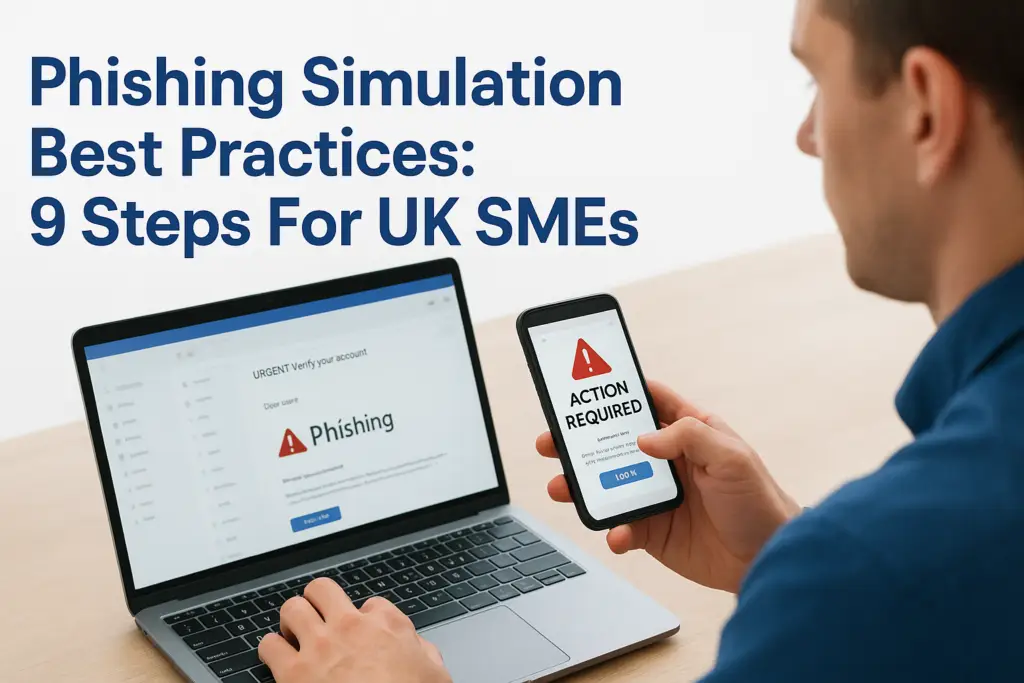
One phishing email is all it takes. A single click on a fake invoice or a spoofed login page can hand an attacker access to your entire network, and most UK SMEs only find out after the damage is done. That’s why phishing simulation best practices matter so much right now: attackers are getting sharper, and your staff are your first line of defence, whether they know it or not.
If you’re wondering how to actually run a phishing simulation that changes behaviour rather than just ticking a compliance box, this guide answers that directly. We’ll walk through planning a realistic campaign, choosing the right frequency, and turning results into genuine employee awareness training rather than a one-off scare.
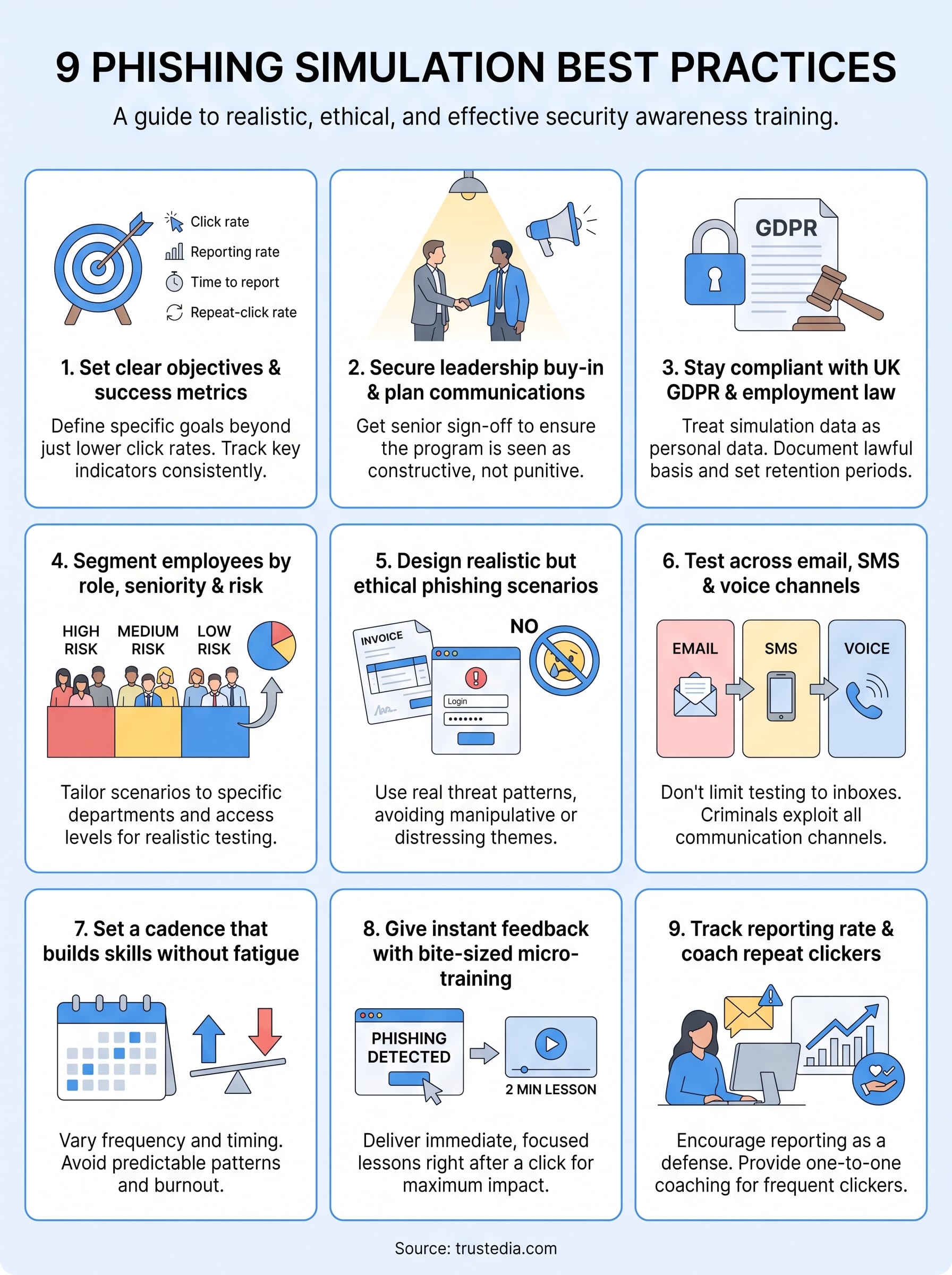
Below you’ll find nine practical steps, drawn from real incident response work at TrustedIA, covering everything from setting objectives and segmenting targets to measuring click rates and following up with meaningful coaching. Whether you’re building a security operations programme from scratch or refining an existing one ahead of ISO 27001 assessment, these steps will help you run simulations that actually reduce risk.
1. Set clear objectives and success metrics
Before you send a single test email, decide what you’re actually trying to achieve. Too many businesses launch a phishing simulation because a vendor sold them a tool or an auditor asked for evidence, then wonder why the results sit in a spreadsheet doing nothing. Good phishing simulation best practices always start with a goal: reducing click rates in a specific department, improving reporting behaviour, or building evidence for ISO 27001 compliance. Without that target, you can’t tell whether your programme is working or just generating noise.
Why it matters
Objectives give your simulation a purpose beyond fear. If your only measure of success is "fewer people clicked this time", you’ll miss the bigger picture, like whether staff are actually reporting suspicious emails to IT. A programme built around vague awareness goals tends to plateau after two or three campaigns because there’s nothing concrete to improve against. Clear metrics also help you justify the budget to leadership, since you can show a trend line rather than a single number.
A phishing simulation without a defined metric is just an expensive way to scare your staff.
How to put it into practice
Start by picking two or three key performance indicators you’ll track consistently across every campaign, not just the ones that make you look good. Useful metrics include:
- Click rate: percentage of recipients who interact with the simulated phish
- Reporting rate: percentage who flag it to IT or security before or instead of clicking
- Time to report: how quickly the first report comes in, which tells you how alert your team is
- Repeat-click rate: the proportion of employees who fall for more than one simulation in a row
- Credential submission rate: how many people actually enter data on a fake login page, which is far more serious than a click
Set a baseline with your first campaign, then track movement quarter on quarter rather than expecting instant results. Tie at least one metric directly to your ISO 27001 risk register or Statement of Applicability if you’re working towards certification, since auditors increasingly want to see measurable evidence of awareness training rather than a policy document alone.
Common pitfalls to avoid
Watch out for chasing a single vanity metric, particularly a low click rate, while ignoring reporting behaviour entirely. A workforce that never clicks but also never reports anything suspicious isn’t actually safer, it’s just lucky. Another mistake is changing your success criteria every campaign, which makes it impossible to spot real trends. Finally, resist the temptation to set unrealistic targets like a zero percent click rate; even mature security cultures see occasional clicks, and treating any click as a failure discourages honest reporting rather than encouraging it.
| Metric | What good looks like |
|---|---|
| Click rate | Falling trend over 3+ campaigns |
| Reporting rate | Rising steadily, ideally above 50% |
| Time to report | Under 30 minutes on average |
| Repeat-click rate | Below 10% of staff |
2. Secure leadership buy-in and plan your communications
A phishing simulation that lands without warning from senior management tends to backfire. Employees who feel tricked rather than trained will complain to HR, question the legitimacy of future emails, and in some cases stop trusting genuine IT communications altogether. Leadership buy-in turns a simulation from something done to staff into something done for them, and that distinction shapes how the whole programme is received.
Why it matters
Support from the top gives your programme authority and protects it from being quietly shelved after the first awkward result lands in a director’s inbox. When a CEO or department head has publicly backed the initiative, managers are far more likely to treat coaching conversations as constructive rather than punitive. Clear internal communications also reduce the number of confused help desk tickets and angry emails that follow a badly explained campaign, freeing your IT team to focus on the results rather than damage control.
A simulation without leadership backing is a training exercise that looks like a trick, and staff will remember it that way.
How to put it into practice
Before launch, get sign-off from a senior sponsor and agree the messaging together. A short plan works well:
- Brief leadership on the objectives and expected click rates so nobody is caught off guard
- Draft a general staff announcement that explains simulations will happen periodically, without giving away specifics
- Agree who handles questions from confused or upset employees
- Prepare a short follow-up message summarising results and next steps once the campaign closes
Keep the announcement broad enough that it doesn’t tip off employees to the exact timing or theme, but specific enough that nobody feels blindsided afterwards.
Common pitfalls to avoid
Don’t let a manager use results to single out individuals in team meetings, that habit kills honest reporting fast. Equally, avoid over-communicating details that make the test predictable, since staff who know a phishing test is coming this Friday will simply behave differently for one day and then relax.
3. Stay compliant with UK GDPR and employment law
Running a phishing simulation means processing personal data, including who clicked, who reported, and how quickly. That puts you squarely within UK GDPR rules, and it also touches employment law if results feed into performance reviews or disciplinary action. Getting this wrong doesn’t just risk a fine, it can undermine the trust you’re trying to build with the very people you’re testing.
Why it matters
Personal data collected during a simulation, such as click timestamps and job titles, counts as data about identifiable individuals under the ICO’s guidance on UK GDPR. Treat it carelessly and you’re exposed to the same obligations you’d apply to any customer database, including limits on retention and a lawful basis for processing. Employment law adds another layer: using simulation results to justify disciplinary action without a clear, documented policy can expose you to unfair treatment claims, particularly if staff were never told simulations would happen at all.
Treat simulation data with the same care as any personal data, because legally, that’s exactly what it is.
How to put it into practice
Build compliance into your programme from day one rather than retrofitting it after a complaint:
- Document a lawful basis for processing simulation data, usually legitimate interest, and record it in your privacy notice
- Limit access to individual results to a small, named group, not the whole management team
- Set a retention period for raw click data, typically no longer than 12 months
- Anonymise or aggregate data before sharing department-wide reports
- Reference simulations explicitly in your acceptable use or IT security policy so staff have prior notice
Common pitfalls to avoid
Avoid storing individual results indefinitely in a shared spreadsheet that half the IT team can open. That’s a data protection incident waiting to happen. Steer clear of using a single simulation failure as grounds for formal disciplinary action without a documented, consistently applied policy, since inconsistency is exactly what employment tribunals look for. Finally, don’t assume your phishing platform vendor handles GDPR compliance for you; you remain the data controller regardless of which tool sends the emails.
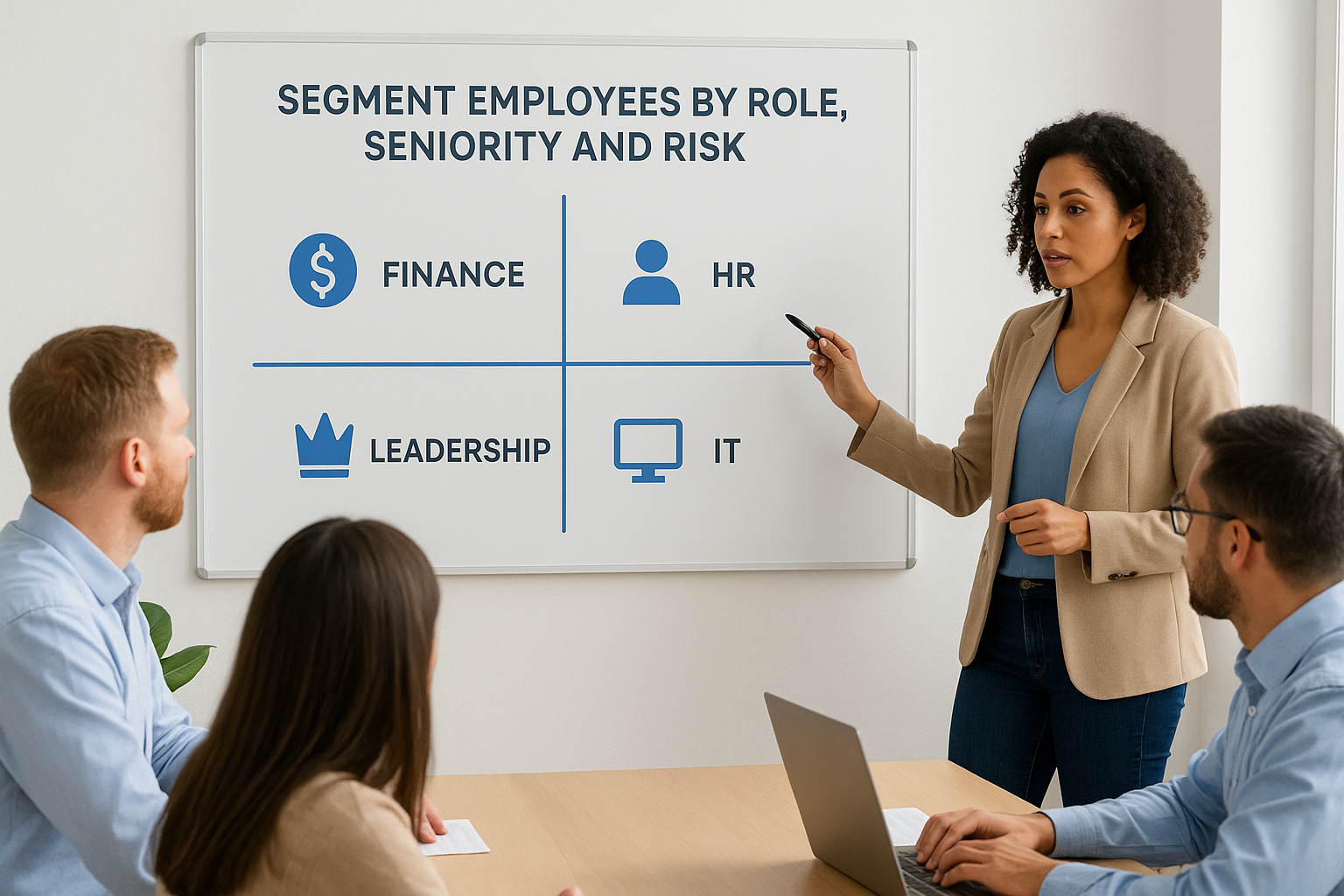
4. Segment employees by role, seniority and risk
Not every employee faces the same threat, so sending the identical simulation to your finance director and your warehouse apprentice wastes an opportunity. Segmentation means grouping staff by department, seniority, and access level, then tailoring scenarios to match the phishing attempts they’d realistically receive. A generic "your parcel is waiting" test tells you very little about whether your finance team would spot a fake invoice from a supplier.
Why it matters
Attackers don’t send the same email to everyone either. Finance staff get fake payment requests, HR gets fake CV attachments, and executives get targeted spear phishing designed to exploit their authority. If your simulation ignores these differences, you’ll get a headline click rate that hides serious gaps in the departments most likely to cause real damage. A single company-wide average also flattens risk, masking the fact that one team might be far more vulnerable than the rest.
Testing everyone the same way tells you almost nothing about where your real risk sits.
How to put it into practice
Build at least three or four segments before you plan scenario content:
| Segment | Typical risk | Example scenario |
|---|---|---|
| Finance and accounts | Payment fraud, fake invoices | Spoofed supplier payment request |
| HR and recruitment | Malicious attachments | Fake job applicant CV |
| Senior leadership | Spear phishing, wire fraud | Urgent request impersonating a board member |
| IT and helpdesk | Credential theft | Fake internal password reset |
| General staff | Broad commodity phishing | Delivery or subscription scam |
Review access permissions alongside job titles, since a junior employee with admin rights to your finance system carries more risk than their seniority suggests. Adjust difficulty too; leadership and IT staff, who see more phishing attempts, should face harder scenarios than someone in their first week.
Common pitfalls to avoid
Don’t segment so finely that you end up running dozens of tiny campaigns nobody has time to analyse properly. Avoid assuming seniority always equals risk; a well-placed junior with system access can be more valuable to an attacker than a director without it. And don’t forget contractors or temporary staff, who often have less security awareness training yet the same network access as full-time employees.
5. Design realistic but ethical phishing scenarios
A phishing test only teaches your staff something useful if it mirrors what a real attacker would send. Copy a genuine threat pattern, such as a fake invoice, a spoofed delivery notice, or a convincing login page, and you get results that reflect actual vulnerability. Push the scenario too far, though, and you risk crossing from realistic testing into something that feels manipulative or distressing, which undermines the whole point of phishing simulation best practices.
Why it matters
Scenarios that feel far-fetched, like a prize draw nobody entered, get dismissed instantly and teach staff nothing about the threats they’ll actually face. On the other hand, scenarios built around genuine emotional triggers, such as a fake redundancy notice or a bogus HR investigation, can cause real anxiety and damage trust in leadership. Ethical design sits in the middle: convincing enough to test genuine judgement, restrained enough that nobody feels exploited afterwards.
The best phishing test looks exactly like the threats your business already receives, nothing more dramatic and nothing less believable.
How to put it into practice
Base scenarios on real threat intelligence rather than guesswork:
- Pull recent phishing samples reported by your own staff or blocked by your email filter
- Match the tone and branding to services your business genuinely uses, like your actual payroll provider or courier
- Avoid themes tied to job security, pay, redundancy, or personal finance hardship
- Vary difficulty gradually, starting with obvious red flags before introducing subtler ones
- Get sign-off from HR or leadership on any scenario touching sensitive workplace topics
Common pitfalls to avoid
Steer clear of scenarios that impersonate colleagues by name without a clear internal policy allowing it, since some staff find that particularly unsettling. Avoid reusing the exact same template repeatedly, which trains people to recognise your test rather than real phishing. And never build a scenario purely to catch people out for a laugh; every simulation should be defensible as a genuine training exercise if an employee questions it.
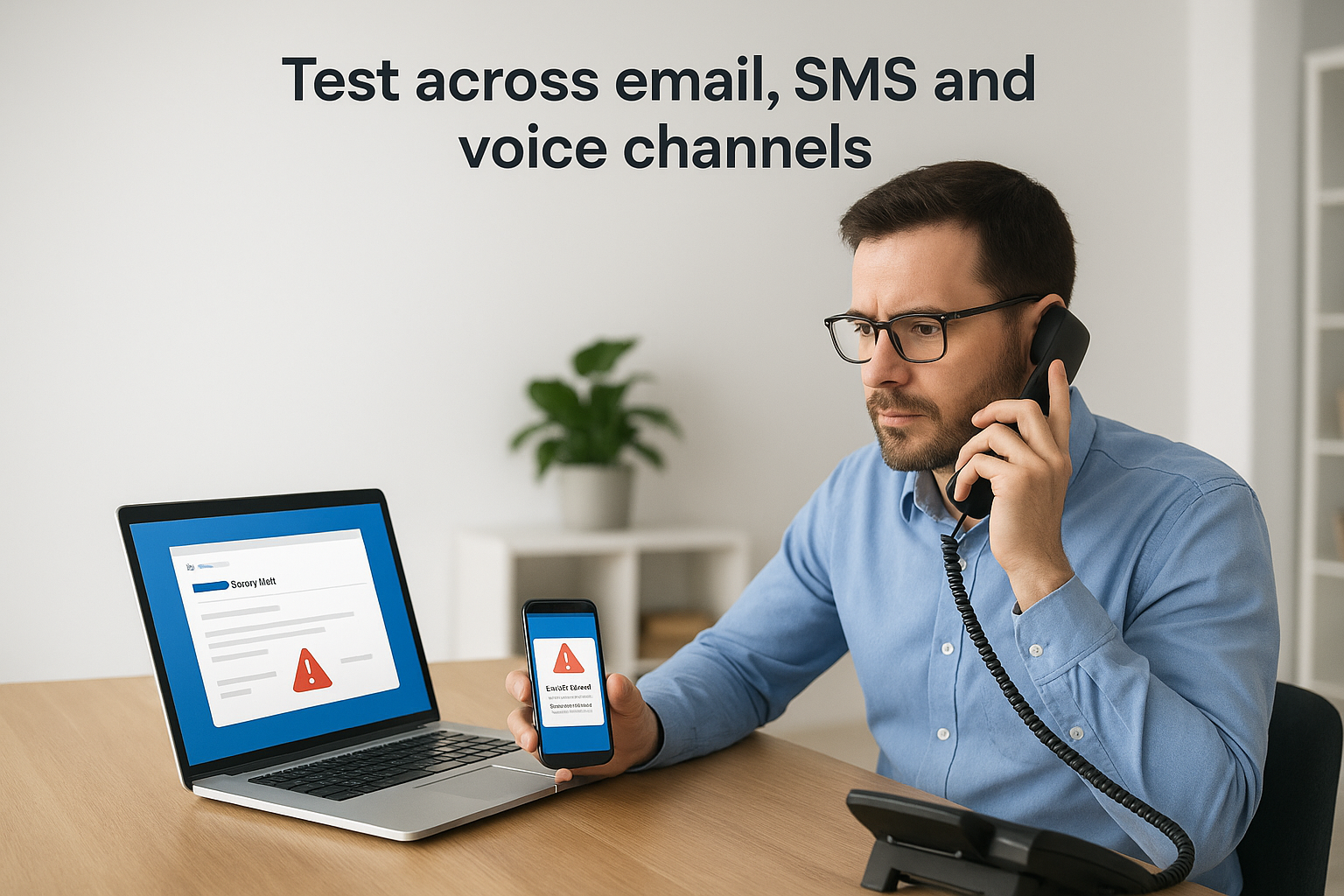
6. Test across email, SMS and voice channels
Email phishing gets most of the attention, but attackers have moved well beyond the inbox. Smishing (SMS phishing) and vishing (voice phishing) now feature in a huge share of real-world attacks, often used together with email to build pressure and urgency. If your simulations only ever land in an inbox, you’re only testing part of your workforce’s judgement, and you’re leaving a genuine gap in your phishing simulation best practices.
Why it matters
Criminals exploit whichever channel feels most trustworthy at that moment. A text claiming to be from a bank about a suspicious transaction, or a phone call pretending to be from IT support requesting a password reset, can bypass the scepticism staff have built up around email. Multi-channel attacks also chain together, an email primes the target, then a follow-up call closes the deal. Testing only email leaves this entire attack path unexamined.
If you only simulate email attacks, you’re training your staff to defend against half the threat.
How to put it into practice
Expand your programme gradually rather than launching every channel at once:
- Start with SMS simulations mimicking delivery notifications, bank alerts, or MFA code requests
- Introduce vishing tests using a scripted call impersonating IT support or a supplier
- Combine channels occasionally, such as a text followed by a call, to mirror real attacker behaviour
- Track results separately by channel, since click and response rates often differ significantly between email, SMS, and voice
| Channel | Common pretext | Typical weak spot |
|---|---|---|
| Fake invoice or login page | Overloaded inboxes | |
| SMS | Delivery or bank alert | Trust in short, urgent texts |
| Voice | IT support or HR call | Deference to authority |
Common pitfalls to avoid
Don’t assume a strong email reporting culture automatically transfers to phone calls, staff often freeze rather than challenge a caller. Avoid running voice simulations without briefing your helpdesk first, since confused employees will call them for verification mid-test.
7. Set a cadence that builds skills without fatigue
Running simulations too often burns out your staff, while running them too rarely lets skills fade before the next test even lands. Getting the testing cadence right is one of the most overlooked parts of phishing simulation best practices, yet it directly determines whether your programme builds lasting habits or just becomes background noise everyone learns to ignore.
Why it matters
Quarterly campaigns feel safe but leave long gaps where vigilance quietly slips, especially in busy departments juggling other priorities. Monthly campaigns keep awareness sharp but risk simulation fatigue, where staff start recognising your templates rather than genuinely evaluating each email on its merits. Neither extreme serves the goal: you want employees who stay alert year-round without feeling like they’re constantly under surveillance.
The right cadence keeps staff alert without making them feel hunted.
How to put it into practice
Aim for a rhythm that varies in timing and difficulty rather than a fixed monthly slot everyone can predict:
- Run baseline simulations every 6 to 8 weeks for most staff
- Test high-risk segments, like finance or IT, slightly more often
- Vary the day and time of sends so patterns don’t become obvious
- Space out scenario themes so the same pretext doesn’t repeat within two quarters
- Review cadence annually against your click and reporting trends, tightening it where results plateau
Smaller SMEs with limited IT resources can still manage this with a simple shared calendar, provided someone owns the schedule and actually sticks to it.
Common pitfalls to avoid
Don’t lock every department into the identical schedule regardless of risk level, that ignores everything you learned from segmentation. Avoid sending simulations on the same day each month, since staff quickly notice and adjust behaviour just for that window. And resist the urge to pause testing entirely after a good quarter; complacency creeps in fast, and skills that aren’t reinforced fade within a few months, undoing progress you’ve already earned.
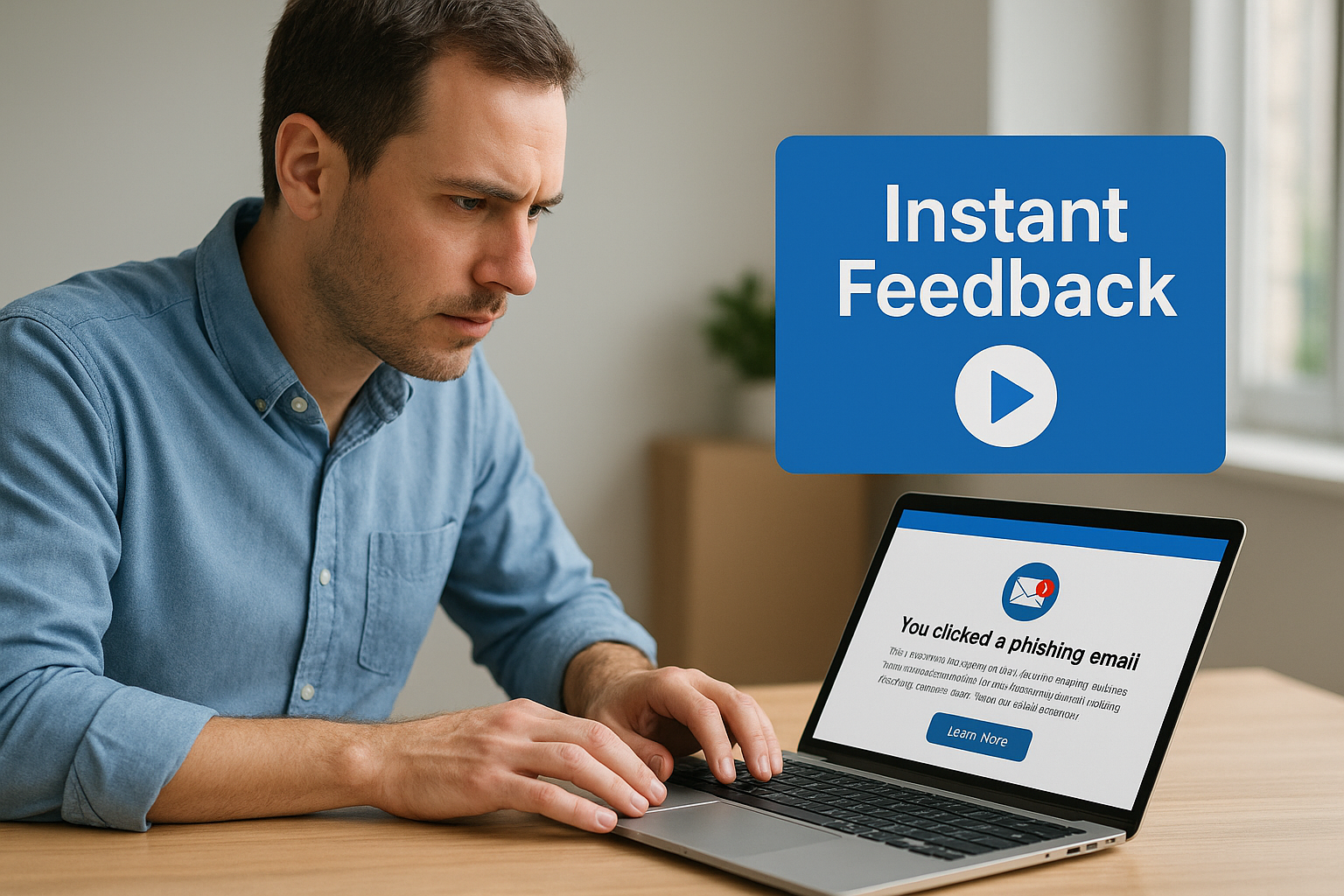
8. Give instant feedback with bite-sized micro-training
The moment someone clicks a simulated phish is the moment they’re most receptive to learning why it worked on them. Wait a week and send a generic newsletter instead, and that lesson evaporates. Micro-training delivered immediately after a click, ideally within seconds via a landing page, turns an embarrassing mistake into a concrete, memorable lesson rather than a telling-off nobody reads.
Why it matters
Traditional annual training sessions rarely stick because they’re disconnected from a real moment of failure. Instant feedback works because it ties the lesson directly to the employee’s own behaviour, showing exactly which red flag they missed, whether that was a mismatched sender domain or an urgent tone designed to bypass judgement. Short, focused content also respects people’s time far better than a 40-minute video module nobody finishes.
The best time to teach someone about a phishing red flag is the second they’ve just missed it.
How to put it into practice
Build your micro-training around the click itself rather than a generic module everyone sees regardless of what they did:
- Redirect clickers to a landing page explaining exactly what gave the email away
- Keep training content under two minutes, ideally a short video, annotated screenshot, or quiz
- Vary the content by scenario, so a fake invoice click triggers finance-specific tips, not generic advice
- Offer a one-question quiz to confirm the lesson landed, rather than assuming a click-through means comprehension
- Send a lighter reminder, not a lecture, to non-clickers too, reinforcing what they got right
Rotate your micro-training library every few campaigns so repeat testers see fresh material rather than the same slide deck.
Common pitfalls to avoid
Avoid punitive language on landing pages, phrases like "you failed" discourage future honesty and make people less likely to report real threats out of embarrassment. Don’t rely solely on lengthy annual e-learning to cover what a two-minute micro-lesson does far more effectively. Finally, resist skipping training for people who report correctly; positive reinforcement matters just as much as correcting mistakes.
9. Track reporting rate and coach repeat clickers
Click rate tells you how many people fell for a simulation, but reporting rate tells you whether your workforce actually behaves like a defence system. A business where nobody clicks but nobody reports either is sitting on a false sense of security. The real goal of phishing simulation best practices is a culture where suspicious emails get flagged fast, and where the small group of employees who keep clicking get proper support rather than repeated telling-off.
Why it matters
Reporting rate is the single best predictor of how quickly your business would spot a genuine attack before it spreads. Every employee who forwards a suspicious email to IT is effectively acting as a human sensor, and a rising reporting rate means that network is getting stronger. Meanwhile, repeat clickers deserve attention rather than dismissal, since a small percentage of your workforce, often the same people campaign after campaign, account for a disproportionate share of your real risk.
A rising reporting rate matters more than a falling click rate, because it shows your staff are actively defending, not just avoiding mistakes.
How to put it into practice
Build a simple process around both metrics rather than treating them as an afterthought:
- Track reporting rate alongside click rate on every campaign, not just when results look good
- Flag anyone who clicks three or more consecutive simulations for one-to-one coaching
- Offer coaching as a supportive conversation, focused on what happened and why, not a formal warning
- Publicly recognise departments with strong reporting rates to reinforce the behaviour you want
- Review repeat clickers’ system access, since sometimes the real fix is reducing permissions, not more training
Common pitfalls to avoid
Don’t let repeat clickers slide into disciplinary territory without a documented policy, that undermines everything you’ve built around trust. Avoid ignoring reporting rate entirely just because click rate looks acceptable, since the two tell very different stories. And resist treating coaching as a one-off event; a single conversation rarely changes ingrained habits without a follow-up check a few campaigns later.
Turning these steps into a lasting security habit
None of these nine steps work in isolation. A sharp scenario means little without segmentation, and a perfect cadence falls flat without instant feedback and honest coaching for repeat clickers. Phishing simulation best practices only deliver real protection when you treat them as a connected programme, reviewed and adjusted every quarter rather than set up once and left to run itself.
Getting this right takes time most in-house IT teams simply don’t have alongside their daily workload. That’s where a dedicated security partner earns its keep, handling the technical setup, the GDPR-compliant reporting, and the coaching conversations that turn clicks into lasting behaviour change, while keeping your programme aligned with ISO 27001 expectations.
If you’d rather hand this over to people who run these campaigns daily, talk to TrustedIA about phishing simulation and staff awareness training and build a programme that actually reduces your risk, not just your click-rate spreadsheet.