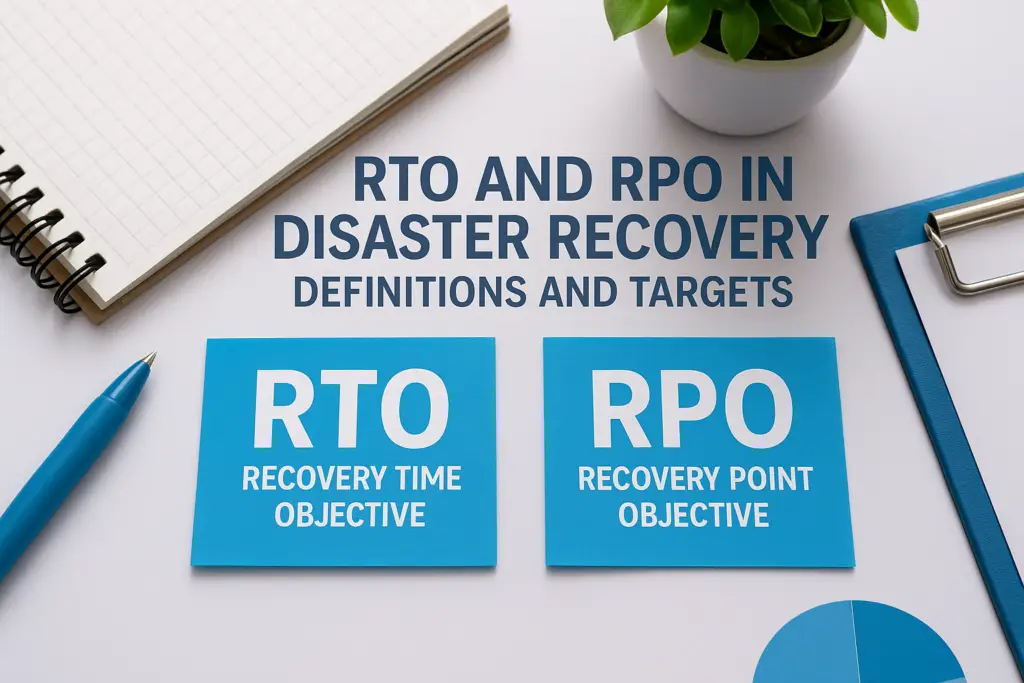
Every disaster recovery plan hinges on two numbers. If you don’t know yours, you’re guessing, and guessing with downtime and data loss is expensive. RTO and RPO in disaster recovery are the metrics that define how quickly your business must recover and how much data you can afford to lose when something goes wrong.
Recovery Time Objective (RTO) sets the maximum acceptable duration of downtime after an incident. Recovery Point Objective (RPO) determines the furthest point back in time from which data must be recoverable. Together, they shape every technical decision in your disaster recovery strategy, from backup frequency to failover infrastructure. Get them wrong, and you either overspend on protections you don’t need or underspend and face consequences you can’t absorb.
At TrustedIA, we help organisations across the UK build disaster recovery and business continuity plans grounded in realistic, tested targets. With over 30 years of experience in managed security services and a hands-on approach through our CyberSOS Incident Response service, we’ve seen firsthand what happens when RTO and RPO targets are poorly defined, and the difference it makes when they’re defined well.
This article breaks down what RTO and RPO actually mean, explains the key differences between them, and walks you through how to set targets that match your business reality. Whether you’re building a disaster recovery plan from scratch or reviewing an existing one, this is the foundation you need to get right first.
What RTO and RPO mean in disaster recovery
When a cyberattack, hardware failure, or natural disaster disrupts your operations, two questions immediately matter: how long can you be offline, and how much data can you afford to lose? RTO and RPO in disaster recovery give you precise, measurable answers to both. Without these definitions in place, your recovery team has no clear target to work towards, and your business has no way to measure whether recovery was actually successful.
Recovery Time Objective (RTO)
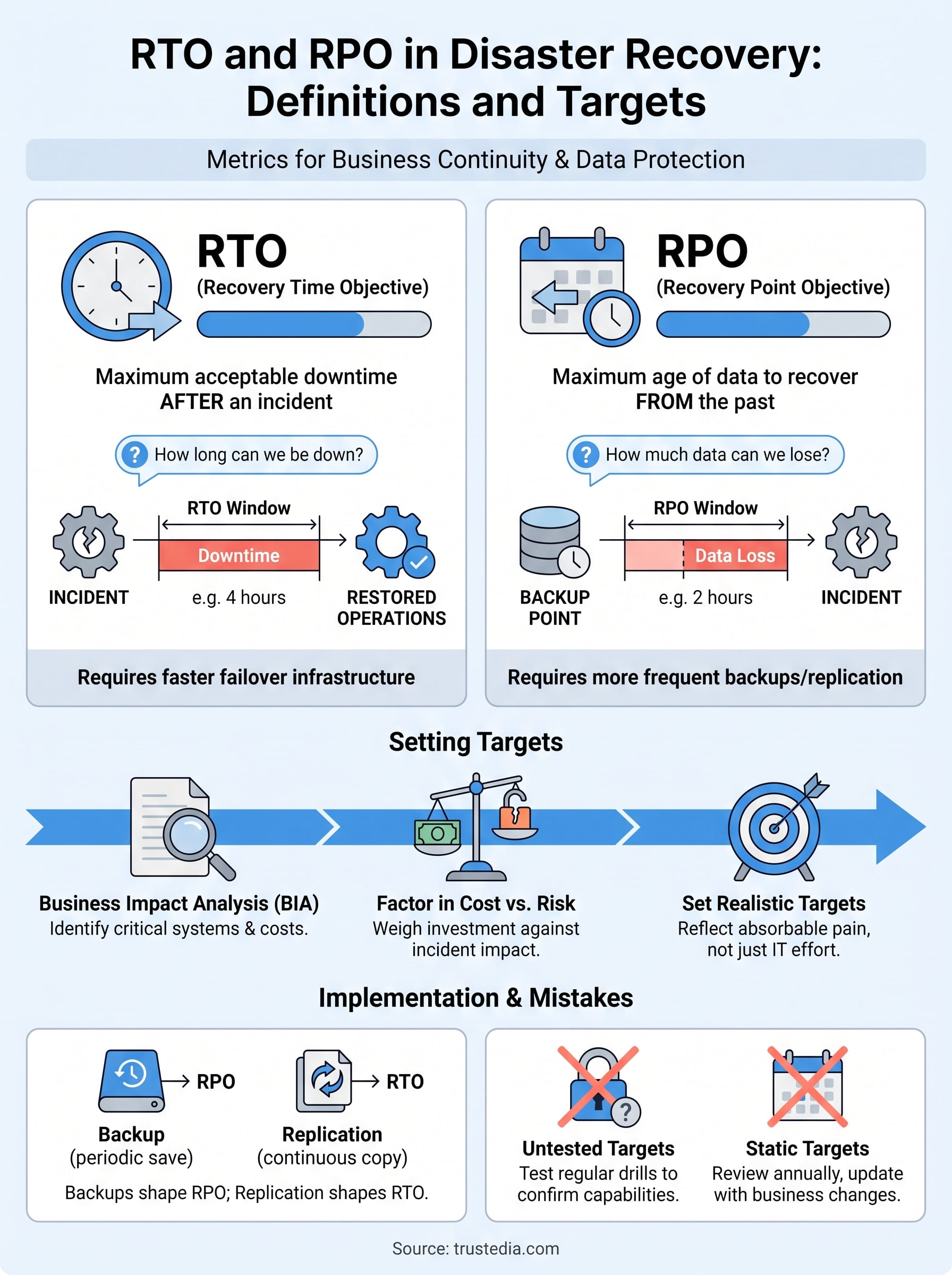
RTO defines the maximum amount of time your business can tolerate being without a system, application, or service before the disruption causes unacceptable damage. If your RTO is four hours, your disaster recovery plan must restore operations within that window. Every technical decision, from failover systems to incident staffing, flows from this number.
For example, an e-commerce business processing continuous transactions might set an RTO of one hour. A back-office reporting tool, however, might tolerate a 24-hour outage without significant business impact. That difference in tolerance directly shapes the infrastructure investment each scenario demands.
Recovery Point Objective (RPO)
RPO defines the maximum age of data your business can restore from backup without causing unacceptable loss. If your RPO is two hours, your backup systems must capture a copy of your data at least every two hours. Anything older than that represents data your business has effectively written off.
RPO is not about how quickly you recover; it is about how much data you can afford to lose permanently.
Your RPO directly determines your backup frequency. A four-hour RPO means backups at least every four hours. A 15-minute RPO demands near-continuous replication. Getting this wrong means either wasting budget on unnecessary infrastructure or discovering, mid-incident, that critical data is gone.
RTO vs RPO: key differences and examples
RTO and RPO in disaster recovery measure two entirely separate dimensions of your recovery posture. RTO measures the time needed to restore operations, while RPO measures how much data loss your business can absorb. The two are closely related, but different business concerns drive them and require different technical investments to achieve.
The core distinction
RTO is forward-looking: it asks how quickly you must get systems back up and running after an incident. RPO is backwards-looking: it asks how far back in time your recovered data can be and still be acceptable. Confusing the two leads to plans that address the wrong risks entirely.
Reducing your RTO requires faster failover infrastructure; reducing your RPO requires more frequent data replication. These are separate costs with separate solutions.
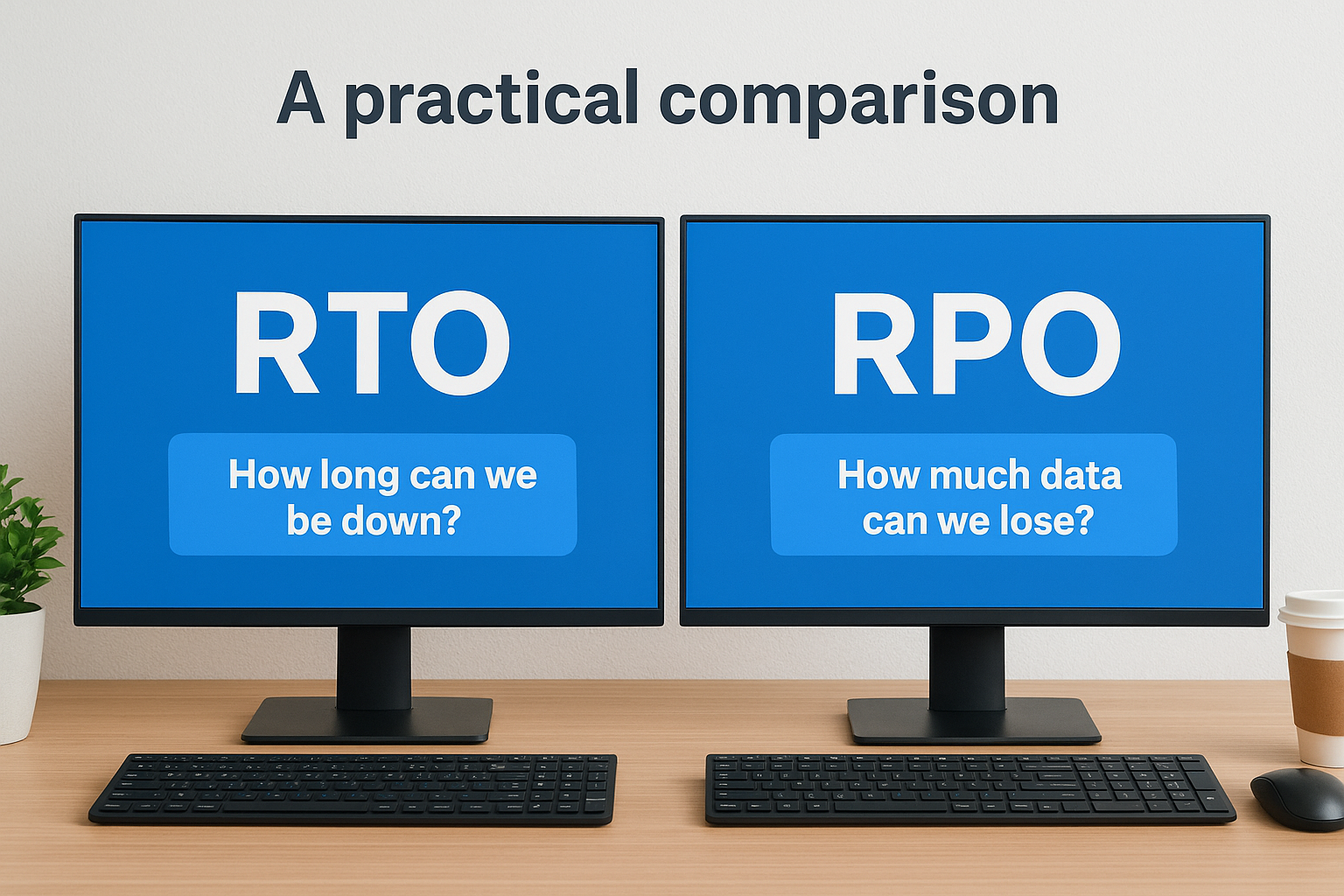
A practical comparison
| RTO | RPO | |
|---|---|---|
| Question it answers | How long can we be down? | How much data can we lose? |
| Measured in | Time to restore operations | Time since last usable backup |
| Reduced by | Redundant systems, faster failover | More frequent backups, continuous replication |
A retail business processing online orders might set a two-hour RTO but tolerate a four-hour RPO. A financial services firm handling real-time transactions may need near-zero targets for both metrics.
How to set RTO and RPO targets
Setting RTO and RPO in disaster recovery starts with understanding what each system is worth to your business, not what it costs to protect. The right targets are business decisions, not technical ones, that your IT team then has to translate into achievable infrastructure.
Start with a business impact analysis.
A business impact analysis (BIA) identifies which systems are critical, what happens when they fail, and how quickly the damage becomes severe. For each system, estimate the financial, operational, and reputational cost of downtime per hour, then map potential data loss against the same scale. This process gives you a factual basis for your targets rather than educated guesswork.
Your RTO and RPO targets should reflect the maximum pain your business can absorb, not the minimum effort your IT team is willing to invest.
Factor in cost versus risk
Tighter targets cost more to achieve. Cutting your RPO from 4 hours to 30 minutes may require a continuous replication infrastructure that comes with a significant price tag. Weigh the cost of each investment against the realistic cost of a worst-case incident, and set targets your budget can actually support without leaving critical systems exposed.
How backups and replication affect RTO and RPO
The technical methods you use to protect your data directly shape the RTO and RPO you can realistically achieve in disaster recovery. Backups and replication are the two primary tools available, and each influences your targets differently.
Backup frequency and RPO
Your backup schedule sets the upper limit of your RPO. If you run daily backups at midnight and a failure occurs at 11:55 PM, you lose nearly a full day of data. More frequent backups, whether hourly or every 15 minutes, shrink that window significantly and allow you to commit to a tighter RPO.
A backup schedule that does not match your RPO target is a gap your business will only discover during a real incident.
Replication and RTO
Replication creates a near-live copy of your systems, which dramatically reduces the time needed to restore operations. Where a standard backup restore might take several hours, a replicated environment can be brought online in minutes, directly lowering the RTO that your infrastructure can deliver. The trade-off is cost: continuous replication requires persistent, parallel infrastructure that carries a higher price tag than periodic backup storage alone.
Common mistakes and how to avoid them
Even with a solid understanding of RTO and RPO in disaster recovery, organisations consistently make the same avoidable errors when implementing these targets. Knowing the definitions is only half the work; the other half is applying them correctly and keeping them aligned with your actual business needs as they evolve.
Setting targets without testing them
Untested targets are assumptions, not guarantees. Many businesses document an RTO of two hours but have never actually measured how long their systems take to restore under real conditions. Run regular recovery drills against your stated targets to confirm your infrastructure can genuinely meet them, and update your plan whenever the results fall short.
A target you have never tested is a target you do not actually have.
Treating RTO and RPO as static numbers
Your business requirements change over time, and your targets must keep pace. Acquisitions, new applications, regulatory changes, and growth in data volumes can all shift what acceptable downtime and data loss mean for your organisation. Review your RTO and RPO at least annually, and update them whenever a significant operational change occurs. Leaving outdated targets in place creates a false sense of security that only surfaces during an actual incident.
Next steps for your recovery objectives
Understanding RTO and RPO in disaster recovery gives you the foundation, but the real work is translating those definitions into targets your business can actually rely on. Start with a business impact analysis to identify your critical systems, assign realistic downtime tolerances, and set backup frequencies that match your RPO commitments. Then test those targets before an incident forces the issue.
Once your targets are in place, review them regularly as your business grows and your data volumes increase. Outdated recovery objectives are as dangerous as having none at all. Build testing into your calendar, not just your documentation, and treat every drill result as a clear prompt to close gaps before they become costly.
If you need expert guidance on defining and implementing a recovery strategy that actually works under pressure, TrustedIA’s managed security and business continuity services can help you build, test, and maintain a plan your business can depend on.